
SheetCRUD
A lightweight CRUD interface that keeps Google Sheets as the source of truth, built on the Google Sheets API.
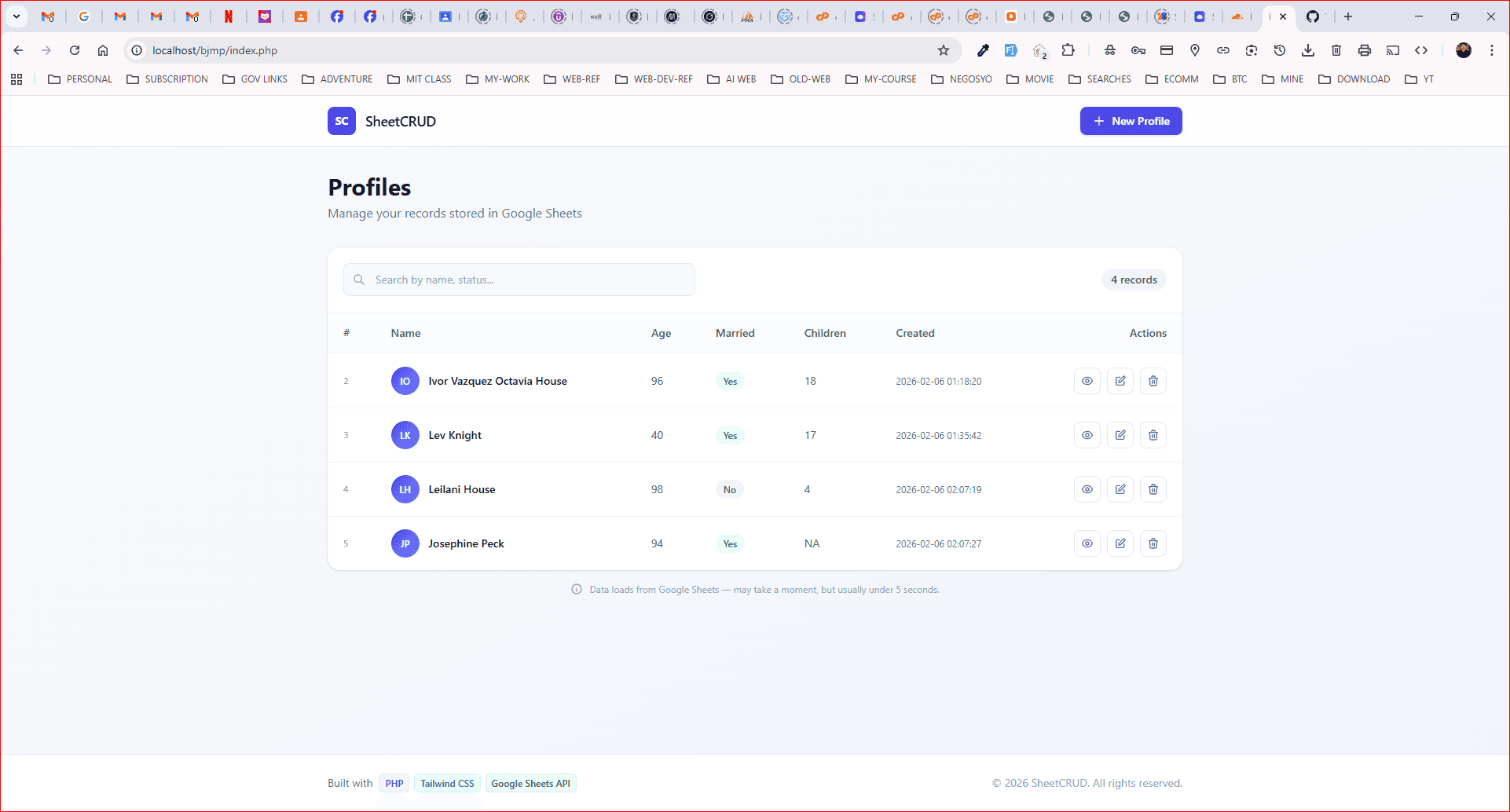
SheetCRUD is a lightweight CRUD web application that stores and manages records in Google Sheets through the Google Sheets API.
A real form interface over a spreadsheet that stays the source of truth.
What was in the way
Plenty of small business processes live in a Google Sheet and should stay there.
The team already knows the sheet. The accountant already has access. There are formulas downstream, a pivot somebody depends on, and a report that gets emailed monthly. Moving to a real database means retraining everyone and rebuilding all of it, to solve a problem nobody has asked about.
What is actually missing is an interface. People edit cells directly, and that is where the damage happens: a row inserted in the middle that breaks a range, a date typed as text, a formula overwritten by a value, a column dragged one position left.
The sheet is not the problem. Unstructured editing of the sheet is the problem.
Three parts, each with a reason
Full create, read, update and delete over a spreadsheet
A real form interface rather than typing into cells.
Every write goes through the application, which means every write lands in the right column, in the right format, without touching the surrounding structure.
The sheet stays the source of truth
Google Sheets remains the datastore, so existing reports, shares, formulas and integrations keep working exactly as they did.
This is the whole design constraint. The moment the application becomes the source of truth and the sheet becomes an export, the client has the migration they were trying to avoid.
Validation at the form layer
Bad input is caught before it reaches a row.
A spreadsheet accepts anything. That flexibility is why it got used, and it is also why the data degrades. Validation at the form is where the flexibility is traded for correctness, without taking the sheet away from anyone.
The engineering underneath
This is a deliberate choice rather than a limitation, and it is worth stating plainly because it looks like a compromise.
When a client genuinely needs the data to remain in a sheet, fighting that is worse than building around it. The alternative is a proper database, a migration, a reporting rebuild, retraining, and a client who now needs a developer for a change they used to make themselves.
The trade-offs are real and should be understood before choosing this. The Sheets API is rate limited, so this suits tens to low thousands of rows rather than tens of thousands. There are no transactions, so concurrent writes need care. And query capability is limited compared to SQL.
For the workloads it fits, the process the client already runs, the tooling they already have, and the access they already granted, all keep working. That is worth more than the theoretical purity of a database nobody asked for.
PHP against the Google Sheets API, with service account authentication rather than per-user OAuth.
A service account means the application holds access to the sheet and the sheet is shared with it, which keeps the permission model simple and survives the person who set it up leaving.
Writes are batched where possible, because the Sheets API charges quota per request rather than per row, and a naive implementation that writes one cell at a time exhausts a quota quickly.
PHP with the Google Sheets API. Deployed on its own subdomain.
Hire me for this
API & IntegrationsFrom $14/hrFull-Stack Web DevelopmentFrom $14/hrAI & Workflow AutomationFrom $14/hrProjects like this
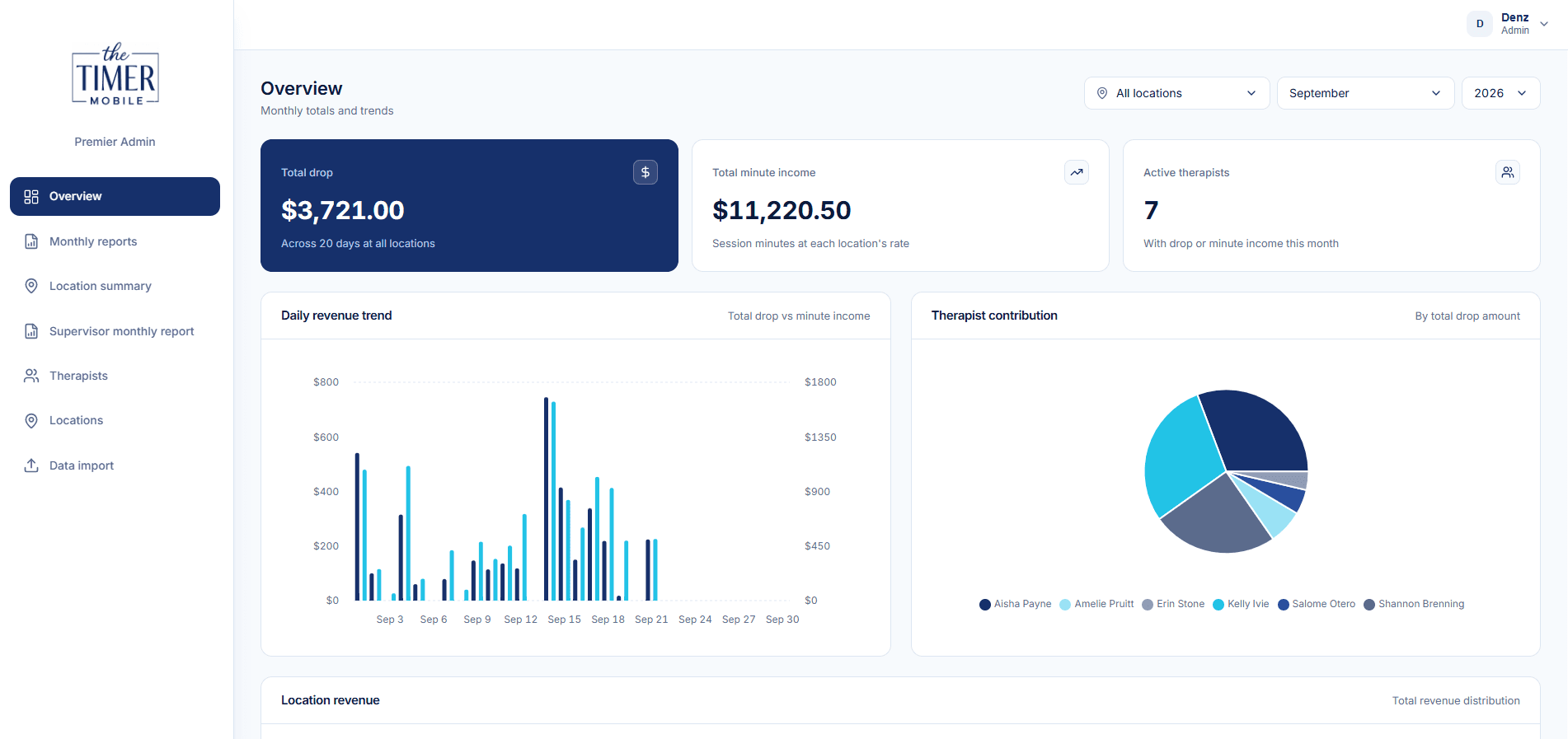
Premier Metrics, Admin Dashboard
The office dashboard behind a mobile timer app. React and TypeScript on Vite with Supabase and Vercel: monthly...
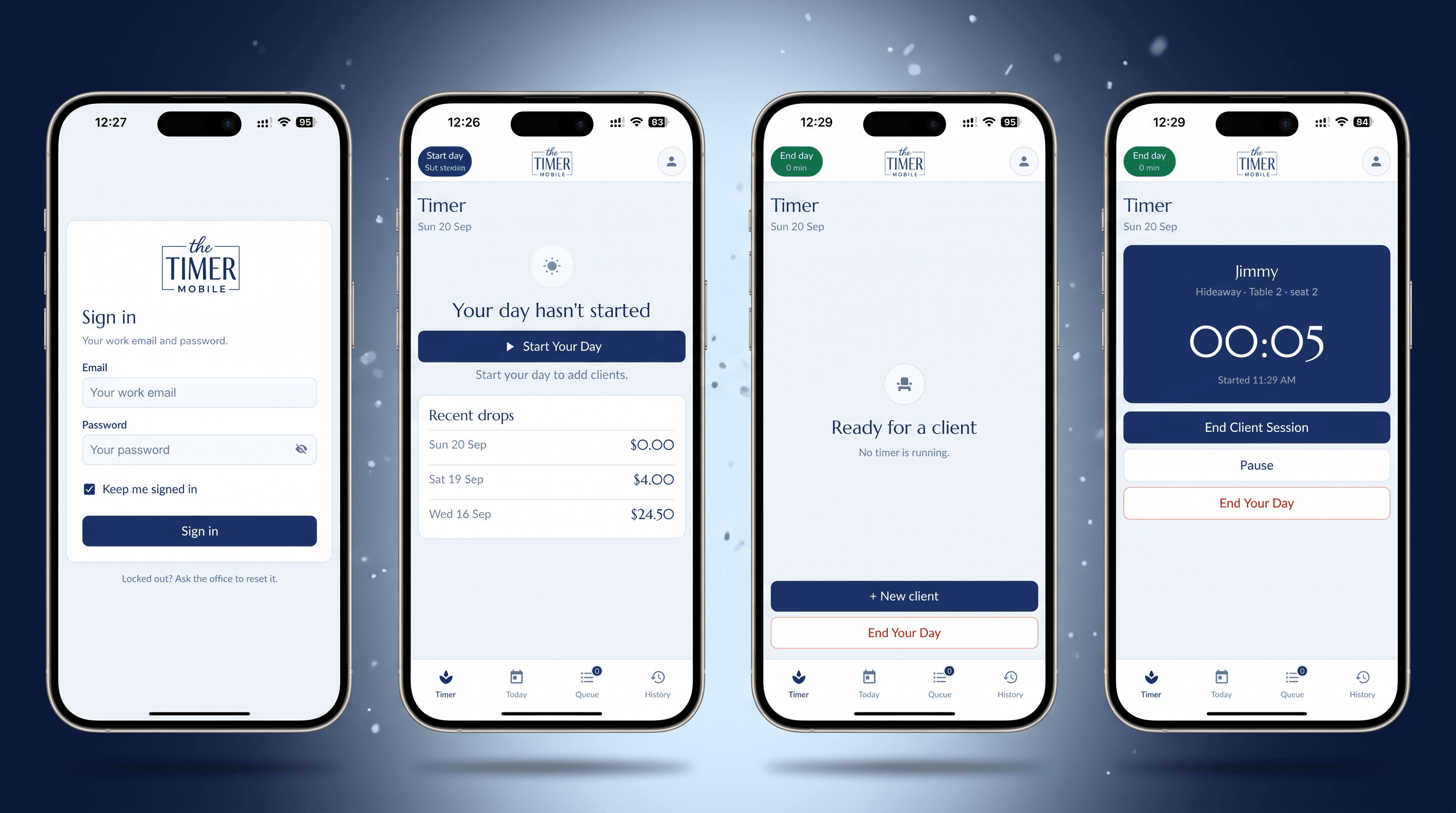
Premier Timer, iOS and Android App
Taking over from a departing programmer: an unfinished React Native app rebuilt and shipped to the App Store...
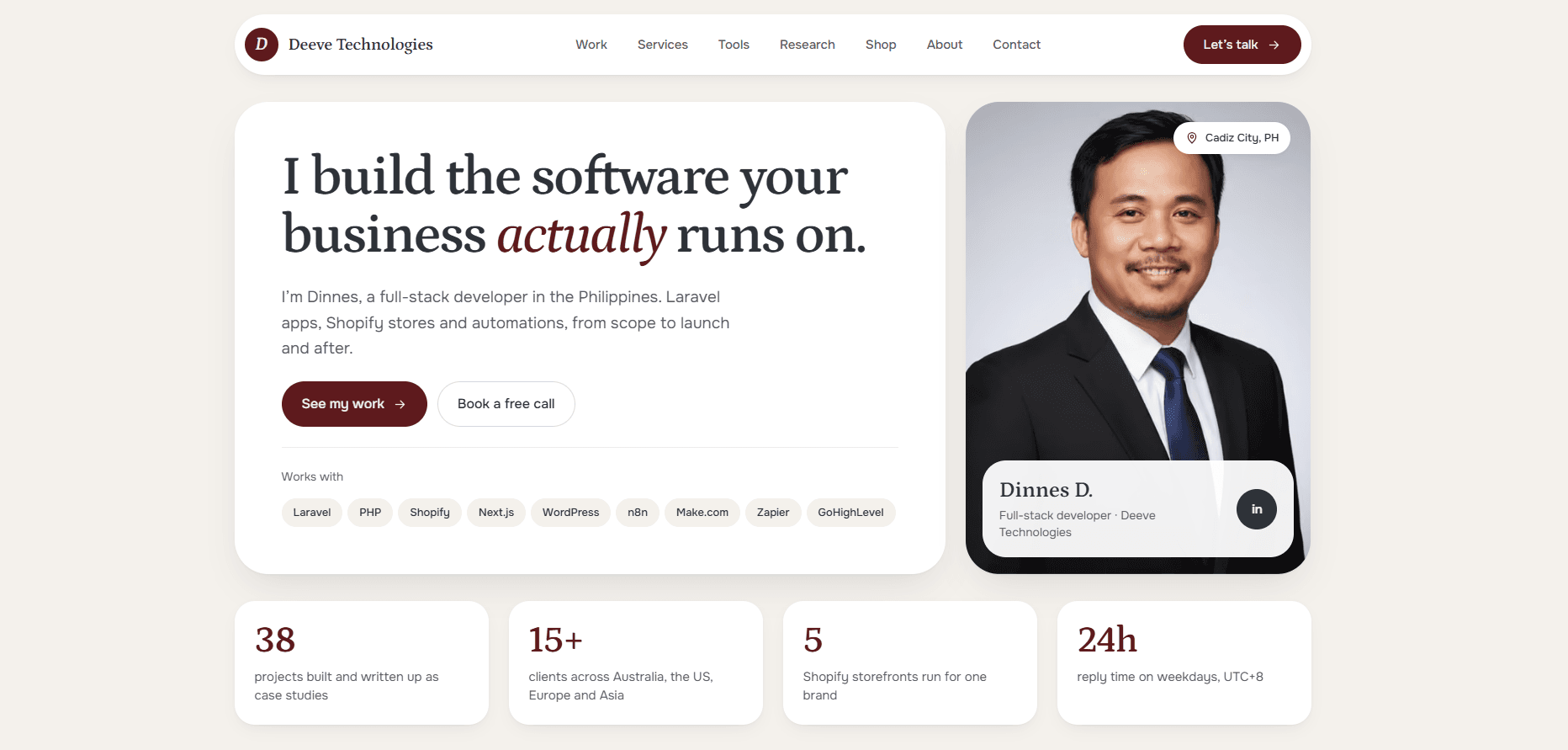
Deeve Technologies Portfolio, Next.js Rebuild
This site: my portfolio rebuilt from a custom WordPress theme onto Next.js 16, React 19 and Supabase, with...
I build software, and I measure whether it works.
The same questions I research are the ones I ask on client builds: is it reliable, is it fast, is it easy to use, and is it secure. Those four drove satisfaction in my ICT portal study, and they shape how I scope and test every project.