
Results Digital (Project Footprint Map)
A custom interactive map that plots completed jobs, customer reviews, and office locations as branded shield markers on the client's site, giving an agency a visual proof-of-work footprint.
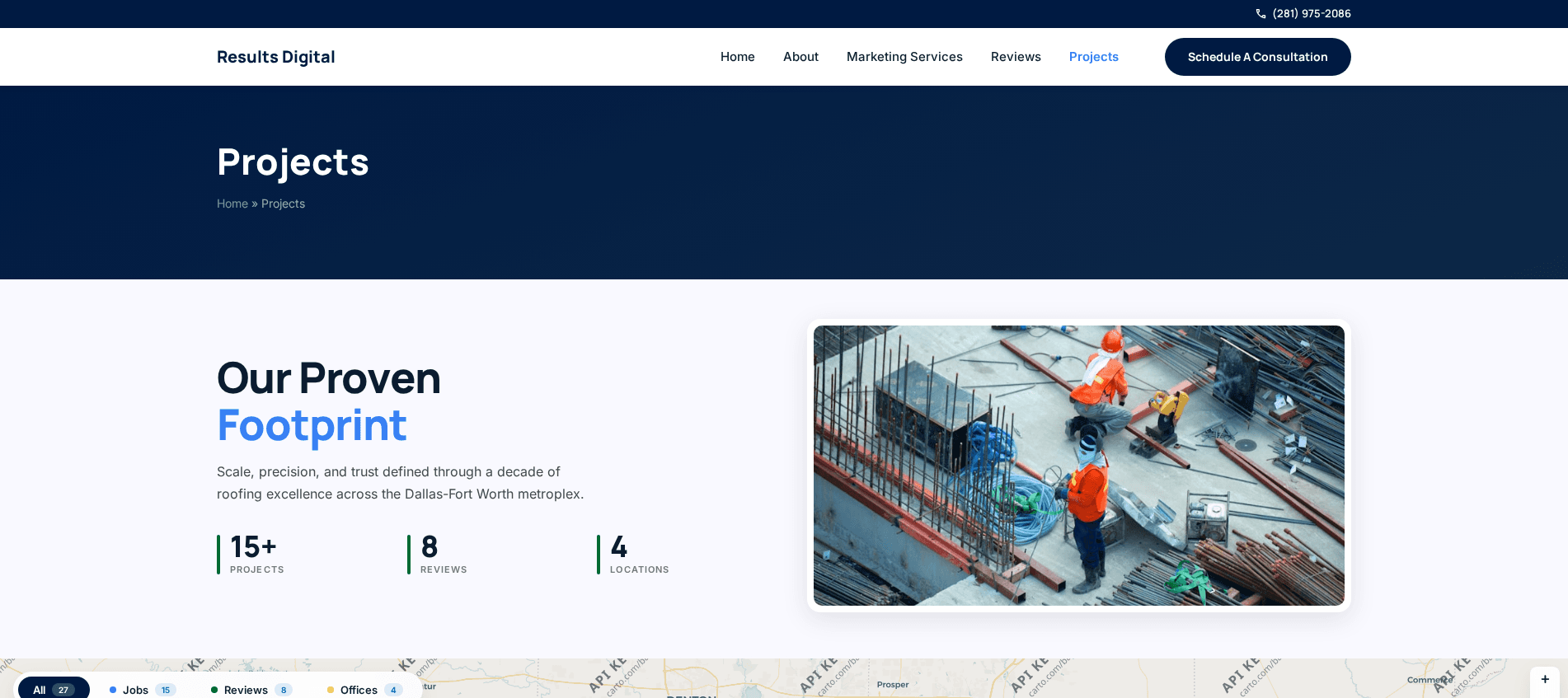
An interactive map of completed jobs for Results Digital, built as geographic social proof and embedded into their existing WordPress site.
Leaflet with the Google Maps API, branded markers, reviews attached to locations.
What was in the way
A contractor with a hundred finished jobs has strong proof and no good way to show it.
A list of past work is unreadable. A gallery is better but answers the wrong question: it shows what the work looks like, not where it was done.
The question a prospective client is actually asking is whether you have worked near them. Local service businesses are judged on proximity before quality, because proximity is a proxy for availability, response time and familiarity with the area.
A testimonial saying "great job, fast service" is worth less than the same testimonial pinned to a street two suburbs away.
Five parts, each with a reason
An interactive map of completed jobs
Built with Leaflet and the Google Maps API, showing each job as a custom branded marker.
Branded markers rather than default pins, because a map covered in generic red teardrops reads as a data visualisation. Branded ones read as a body of work.
Office locations plotted
Answering the are-you-local question directly rather than leaving it to a footer address.
Job detail on each marker
Job type, address area, description and photography where available. A visitor clicking a marker near them gets the specifics of a comparable job rather than a generic service description.
Integrated into the existing WordPress site
Rather than living on a separate subdomain.
That matters for search. A separate subdomain would have split the site's authority and produced a page nobody links to. Embedded, the map strengthens the pages that already rank.
Reviews attached to locations
So the proof is tied to a place rather than floating in a testimonial block.
This is the mechanism that makes the whole thing work. A review near the visitor is dramatically more persuasive than the same review presented without context, and the map is what supplies the context.
The engineering underneath
Leaflet with the Google Maps API and Mapbox, job data in JSON, PHP and Tailwind CSS, embedded into WordPress.
Job data lives in JSON rather than in the WordPress database. The dataset is a flat list, read-heavy and updated occasionally through a small admin interface. Putting it in a custom post type would have meant a taxonomy, an editor screen and a query layer to serve records that never need any of it.
Leaflet rather than the Google Maps JavaScript API for rendering, with Google supplying geocoding. Leaflet is lighter, it does not require a key to render, and it does not put a usage-billed script on every page load of a marketing site.
Markers are clustered at low zoom. A hundred overlapping pins over one metro area is unreadable, and the clustered view is what communicates the volume of work.
Leaflet with the Google Maps API and Mapbox, JSON data storage, PHP and Tailwind CSS, embedded into WordPress.
See it live
Results Digital (Project Footprint Map)The live site · resultsdigital.deeve.infoSourceThe repository · resultsdigital.deeve.infoHire me for this
Full-Stack Web DevelopmentFrom $14/hrAPI & IntegrationsFrom $14/hrWebsite Maintenance & SupportFrom $10/hrProjects like this
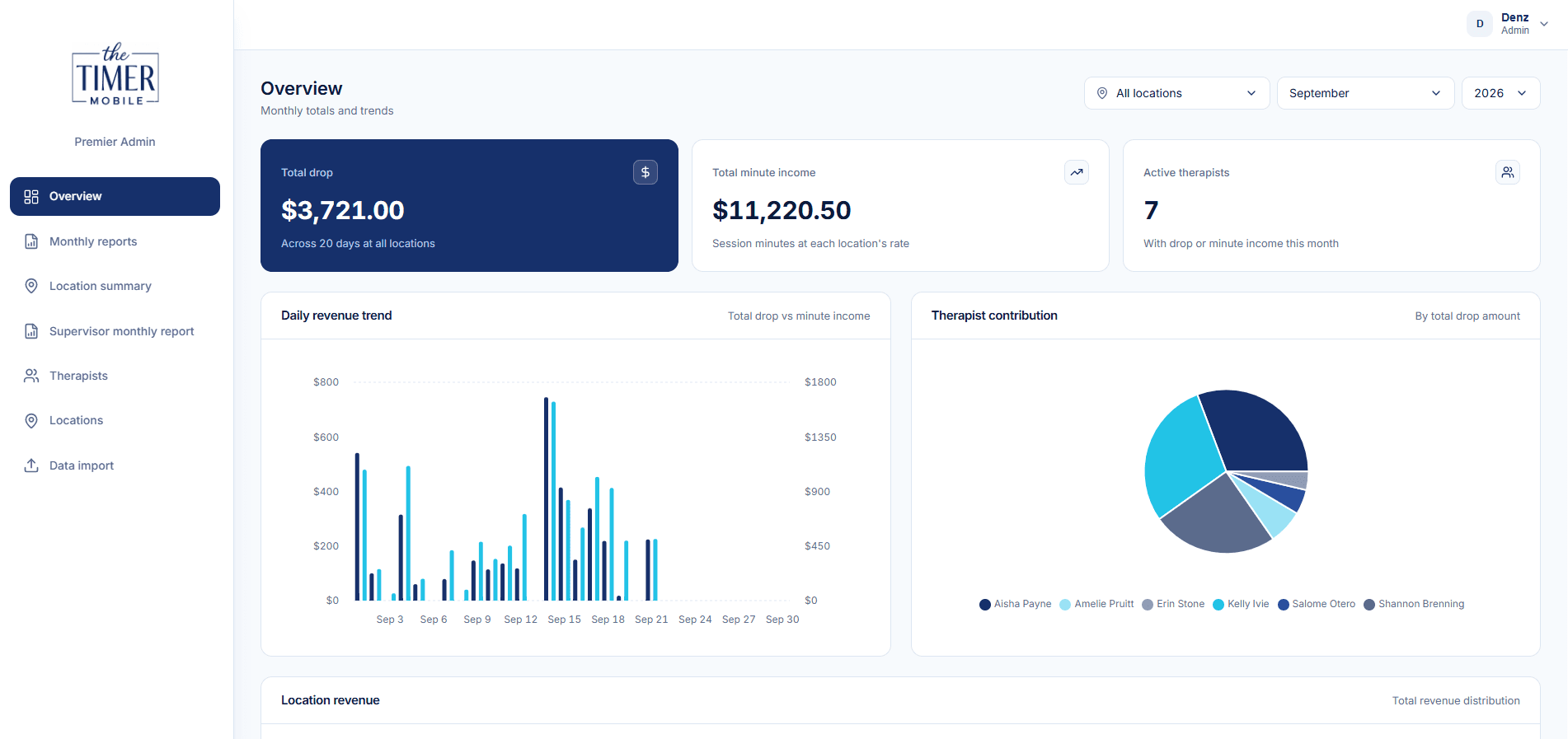
Premier Metrics, Admin Dashboard
The office dashboard behind a mobile timer app. React and TypeScript on Vite with Supabase and Vercel: monthly...
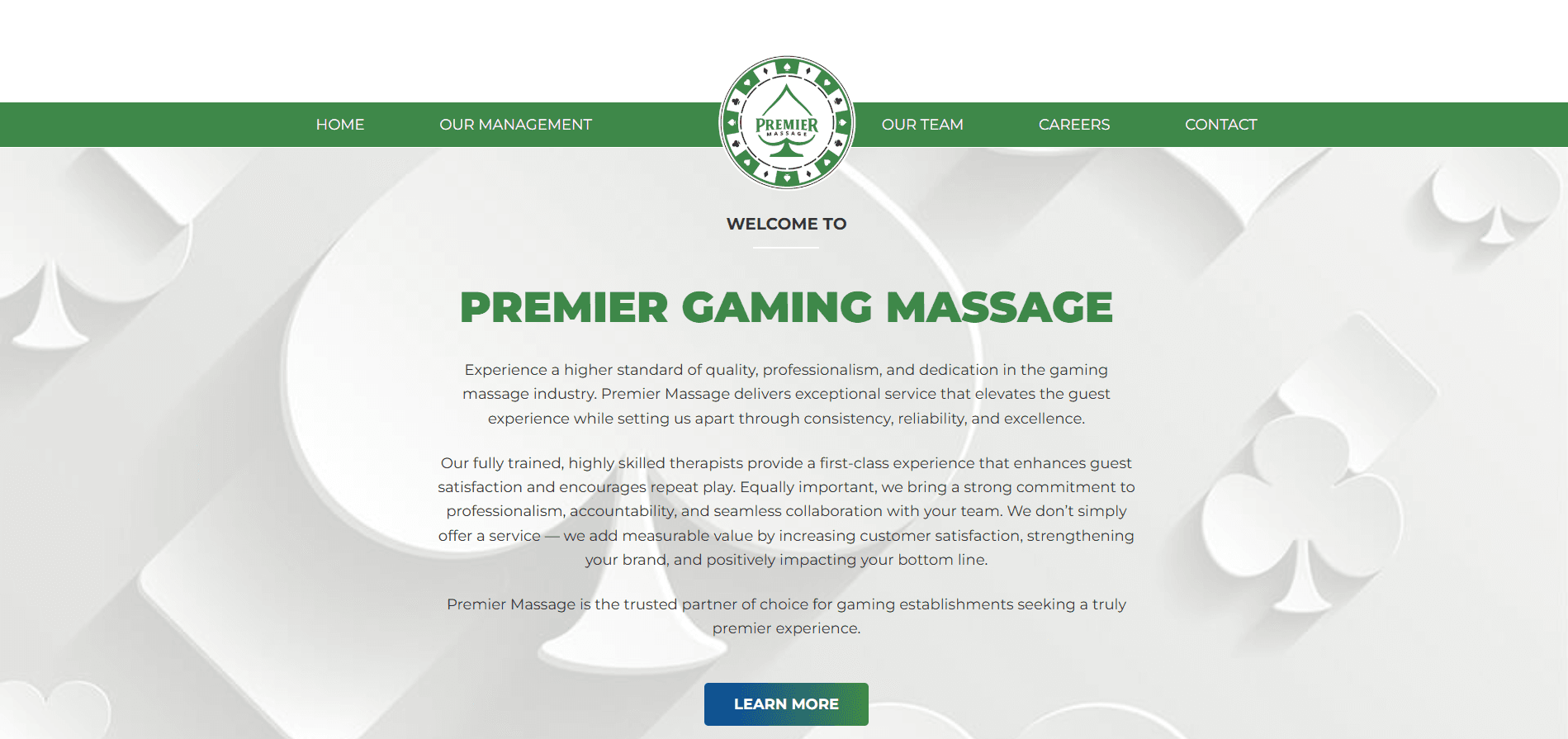
Gaming Massage, WordPress Site
An inherited WordPress site for Premier Gaming Massage, running Genesis with a Dynamik child theme and content...
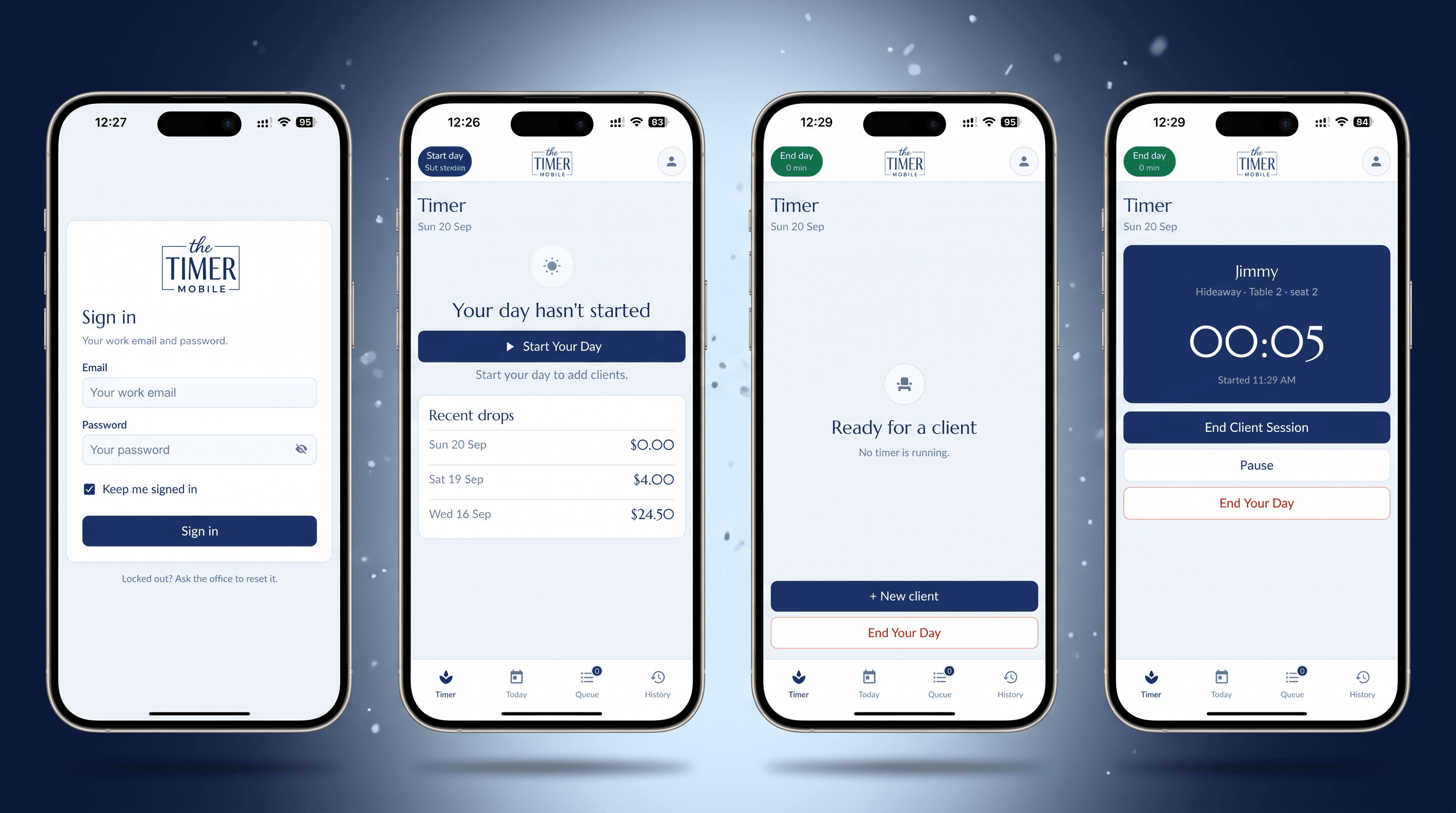
Premier Timer, iOS and Android App
Taking over from a departing programmer: an unfinished React Native app rebuilt and shipped to the App Store...
I build software, and I measure whether it works.
The same questions I research are the ones I ask on client builds: is it reliable, is it fast, is it easy to use, and is it secure. Those four drove satisfaction in my ICT portal study, and they shape how I scope and test every project.