
How to Build a PHP Login & Registration System From Scratch
In this tutorial, you’ll learn how to build a PHP login and registration system from scratch using plain PHP and MySQL. Every web app eventually needs user accounts, and getting authentication right is critical — a single mistake can expose your entire user base.
We’ll cover password hashing, session management, protected pages, CSRF protection, brute-force throttling, and a “remember me” feature. Every file is shown in full. No frameworks, no libraries, just secure PHP.
What You’ll Build
A working authentication system with registration (sign up), login with brute-force lockout, logout, a protected dashboard only logged-in users can see, “remember me” using secure cookies with token rotation, and flash messages for user feedback.
Project Structure
php-auth-app/
├── config.php            # Database connection
├── helpers.php           # CSRF, escaping, redirect, auth functions
├── middleware.php         # Route protection (require login)
├── register.php          # Registration form + handler
├── login.php             # Login form + handler
├── logout.php            # Destroy session + cookie
└── dashboard.php         # Protected page (logged-in only)
Seven files. That’s the whole system.
Step 1: Create the Database
CREATE DATABASE php_auth_app
  CHARACTER SET utf8mb4
  COLLATE utf8mb4_unicode_ci;

USE php_auth_app;

CREATE TABLE users (
    user_id          INT UNSIGNED AUTO_INCREMENT PRIMARY KEY,
    user_email       VARCHAR(255) NOT NULL UNIQUE,
    user_password    VARCHAR(255) NOT NULL,
    user_name        VARCHAR(100) NOT NULL,
    failed_logins    TINYINT UNSIGNED NOT NULL DEFAULT 0,
    lockout_until    DATETIME NULL,
    remember_token   VARCHAR(255) NULL,
    created_at       TIMESTAMP DEFAULT CURRENT_TIMESTAMP,
    updated_at       TIMESTAMP DEFAULT CURRENT_TIMESTAMP ON UPDATE CURRENT_TIMESTAMP,
    INDEX idx_email (user_email),
    INDEX idx_remember (remember_token)
) ENGINE=InnoDB;
Why These Column Choices Matter
user_password is VARCHAR(255) because password_hash() outputs a 60-character string today, but future algorithms may produce longer hashes — 255 gives you room. failed_logins and lockout_until power the brute-force protection — after too many bad attempts, the account locks temporarily. remember_token stores a hashed token for “remember me” cookies. The UNIQUE constraint on user_email prevents duplicate accounts at the database level, not just in PHP.
Step 2: Database Connection — config.php
 PDO::ERRMODE_EXCEPTION,
        PDO::ATTR_DEFAULT_FETCH_MODE => PDO::FETCH_ASSOC,
        PDO::ATTR_EMULATE_PREPARES   => false,
    ]);
} catch (PDOException $e) {
    error_log('DB Error: ' . $e->getMessage());
    http_response_code(500);
    exit('Something went wrong.');
}
Same secure PDO setup as the CRUD tutorial. EMULATE_PREPARES = false forces real prepared statements. The catch block hides internal errors from users.
Step 3: Helper Functions — helpers.php
<?php
declare(strict_types=1);

if (session_status() === PHP_SESSION_NONE) {
    ini_set('session.cookie_httponly', '1');
    ini_set('session.cookie_secure', '0');     // Set to '1' in production with HTTPS
    ini_set('session.use_strict_mode', '1');
    ini_set('session.cookie_samesite', 'Lax');
    session_start();
}

// ─── CSRF ────────────────────────────────────────────────────

function csrf_token(): string {
    if (empty($_SESSION['csrf_token'])) {
        $_SESSION['csrf_token'] = bin2hex(random_bytes(32));
    }
    return $_SESSION['csrf_token'];
}

function verify_csrf(string $token): bool {
    return hash_equals(csrf_token(), $token);
}

// ─── Output Escaping ─────────────────────────────────────────

function esc(string $value): string {
    return htmlspecialchars($value, ENT_QUOTES, 'UTF-8');
}

// ─── Redirect with Flash Message ─────────────────────────────

function redirect(string $url, string $msg = '', string $type = 'success'): void {
    if ($msg !== '') {
        $_SESSION['flash_' . $type] = $msg;
    }
    header('Location: ' . $url);
    exit;
}

// ─── Auth Helpers ────────────────────────────────────────────

function is_logged_in(): bool {
    return !empty($_SESSION['user_id']);
}

function current_user_id(): ?int {
    return $_SESSION['user_id'] ?? null;
}

function current_user_name(): ?string {
    return $_SESSION['user_name'] ?? null;
}

function login_user(array $user): void {
    session_regenerate_id(true);

    $_SESSION['user_id']    = $user['user_id'];
    $_SESSION['user_name']  = $user['user_name'];
    $_SESSION['user_email'] = $user['user_email'];
}

function logout_user(): void {
    $_SESSION = [];

    if (ini_get('session.use_cookies')) {
        $params = session_get_cookie_params();
        setcookie(session_name(), '', time() - 42000,
            $params['path'], $params['domain'],
            $params['secure'], $params['httponly']
        );
    }

    session_destroy();
}
Why session_regenerate_id() Is Critical
The session_regenerate_id(true) call inside login_user() prevents session fixation attacks. Here's how that attack works: an attacker sets a known session ID in the victim's browser before they log in, then hijacks the session after authentication. Regenerating the ID on login makes the old one useless.
Secure Session Cookie Settings
The settings at the top are equally important. cookie_httponly prevents JavaScript from reading the session cookie, which blocks most XSS-based session theft. use_strict_mode rejects session IDs that weren't created by the server. cookie_samesite = Lax stops the cookie from being sent on cross-origin POST requests, adding another CSRF protection layer. See the PHP session configuration docs for all available options.
Step 4: Route Protection — middleware.php
<?php
declare(strict_types=1);

require_once __DIR__ . '/helpers.php';

function require_login(): void {
    if (!is_logged_in()) {
        redirect('login.php', 'Please log in to continue.', 'error');
    }
}

function require_guest(): void {
    if (is_logged_in()) {
        redirect('dashboard.php');
    }
}
How to Use These Guards
Put require_login() at the top of any page that needs authentication — dashboard, settings, profile, etc. Put require_guest() on login and register pages so logged-in users get redirected to the dashboard instead of seeing the forms again. This two-function pattern replaces what frameworks do with middleware classes.
Step 5: Registration — register.php
 '',
    'user_email' => '',
];

if ($_SERVER['REQUEST_METHOD'] === 'POST') {

    if (!verify_csrf($_POST['csrf_token'] ?? '')) {
        http_response_code(403);
        exit('Invalid request.');
    }

    $formData['user_name']  = trim($_POST['user_name'] ?? '');
    $formData['user_email'] = trim(strtolower($_POST['user_email'] ?? ''));
    $rawPassword            = $_POST['user_password'] ?? '';
    $confirmPassword        = $_POST['confirm_password'] ?? '';

    // ─── Validation ──────────────────────────────────────

    if ($formData['user_name'] === '') {
        $errors[] = 'Name is required.';
    }
    if (mb_strlen($formData['user_name']) > 100) {
        $errors[] = 'Name must be 100 characters or fewer.';
    }

    if ($formData['user_email'] === '') {
        $errors[] = 'Email is required.';
    } elseif (!filter_var($formData['user_email'], FILTER_VALIDATE_EMAIL)) {
        $errors[] = 'Please enter a valid email address.';
    }

    if (mb_strlen($rawPassword) prepare("SELECT user_id FROM users WHERE user_email = :email LIMIT 1");
        $stmt->execute([':email' => $formData['user_email']]);
        if ($stmt->fetch()) {
            $errors[] = 'An account with this email already exists.';
        }
    }

    // ─── Create Account ──────────────────────────────────

    if (empty($errors)) {
        $hashedPassword = password_hash($rawPassword, PASSWORD_DEFAULT);

        $sql = "INSERT INTO users (user_name, user_email, user_password)
                VALUES (:user_name, :user_email, :user_password)";
        $stmt = $pdo->prepare($sql);
        $stmt->execute([
            ':user_name'     => $formData['user_name'],
            ':user_email'    => $formData['user_email'],
            ':user_password' => $hashedPassword,
        ]);

        redirect('login.php', 'Account created! You can now log in.');
    }
}
?>


    <title>Register</title>

        * { margin: 0; padding: 0; box-sizing: border-box; }
        body { font-family: Arial, sans-serif; background: #f5f5f5; color: #333; display: flex; justify-content: center; align-items: center; min-height: 100vh; }
        .auth-card { background: #fff; padding: 32px; border-radius: 8px; box-shadow: 0 2px 8px rgba(0,0,0,0.1); width: 100%; max-width: 420px; }
        h1 { font-size: 1.5em; margin-bottom: 8px; }
        .subtitle { color: #666; font-size: 14px; margin-bottom: 24px; }
        .errors { background: #fef2f2; border: 1px solid #fecaca; color: #991b1b; padding: 12px 16px; border-radius: 4px; margin-bottom: 16px; font-size: 14px; }
        .errors li { margin-left: 16px; }
        .form-group { margin-bottom: 16px; }
        label { display: block; font-size: 13px; font-weight: 600; margin-bottom: 4px; color: #555; }
        input[type="text"], input[type="email"], input[type="password"] {
            width: 100%; padding: 10px 12px; border: 1px solid #d1d5db; border-radius: 4px;
            font-size: 14px; font-family: inherit;
        }
        input:focus { outline: none; border-color: #2563eb; box-shadow: 0 0 0 2px rgba(37,99,235,0.2); }
        .btn { width: 100%; padding: 10px; border: none; border-radius: 4px; cursor: pointer; font-size: 14px; font-weight: 600; }
        .btn-primary { background: #2563eb; color: #fff; }
        .btn-primary:hover { background: #1d4ed8; }
        .footer-link { text-align: center; margin-top: 16px; font-size: 14px; color: #666; }
        .footer-link a { color: #2563eb; text-decoration: none; }
        .flash { padding: 12px 16px; border-radius: 4px; margin-bottom: 16px; font-size: 14px; }
        .flash-success { background: #dcfce7; color: #166534; border: 1px solid #bbf7d0; }


    Create an Account
    Fill in your details to get started.


        <input type="hidden" name="csrf_token" value="">


            <label for="user_name">Full Name</label>
            <input type="text" id="user_name" name="user_name" value="" required maxlength="100">


            <label for="user_email">Email</label>
            <input type="email" id="user_email" name="user_email" value="" required maxlength="255">


            <label for="user_password">Password (min 8 characters)</label>


            <label for="confirm_password">Confirm Password</label>


        <button type="submit" class="btn btn-primary">Create Account</button>


    Already have an account? <a href="login.php">Log in
How password_hash() Works
The most important line is password_hash($rawPassword, PASSWORD_DEFAULT). This uses bcrypt under the hood — it automatically generates a random salt and produces a one-way hash. Even if your database gets leaked, attackers can’t reverse the passwords. PASSWORD_DEFAULT means PHP will automatically upgrade to stronger algorithms in future versions without changing your code.
Why strtolower() on the Email?
We call strtolower() on the email to prevent duplicate accounts from “[email protected]” and “[email protected]” being treated as different addresses.
Never store passwords as plain text or use MD5/SHA1. Those are not designed for password hashing and can be cracked in seconds with modern hardware.
Step 6: Login — login.php
prepare("SELECT * FROM users WHERE user_email = :email LIMIT 1");
        $stmt->execute([':email' => $userEmail]);
        $user = $stmt->fetch();

        if ($user) {

            // ─── Check lockout ───────────────────────────
            if ($user['lockout_until'] && strtotime($user['lockout_until']) > time()) {
                $minutesLeft = ceil((strtotime($user['lockout_until']) - time()) / 60);
                $errors[] = "Account is locked. Try again in {$minutesLeft} minute(s).";

            // ─── Verify password ─────────────────────────
            } elseif (password_verify($rawPassword, $user['user_password'])) {

                $stmt = $pdo->prepare("UPDATE users SET failed_logins = 0, lockout_until = NULL WHERE user_id = :id");
                $stmt->execute([':id' => $user['user_id']]);

                if (password_needs_rehash($user['user_password'], PASSWORD_DEFAULT)) {
                    $newHash = password_hash($rawPassword, PASSWORD_DEFAULT);
                    $stmt = $pdo->prepare("UPDATE users SET user_password = :pw WHERE user_id = :id");
                    $stmt->execute([':pw' => $newHash, ':id' => $user['user_id']]);
                }

                login_user($user);

                // ─── Remember Me ─────────────────────────
                if ($rememberMe) {
                    $rawToken    = bin2hex(random_bytes(32));
                    $hashedToken = hash('sha256', $rawToken);

                    $stmt = $pdo->prepare("UPDATE users SET remember_token = :token WHERE user_id = :id");
                    $stmt->execute([':token' => $hashedToken, ':id' => $user['user_id']]);

                    setcookie('remember_token', $rawToken, [
                        'expires'  => time() + (86400 * 30),
                        'path'     => '/',
                        'httponly' => true,
                        'samesite' => 'Lax',
                        'secure'   => false,
                    ]);
                    setcookie('remember_user', (string) $user['user_id'], [
                        'expires'  => time() + (86400 * 30),
                        'path'     => '/',
                        'httponly' => true,
                        'samesite' => 'Lax',
                        'secure'   => false,
                    ]);
                }

                redirect('dashboard.php', 'Welcome back, ' . $user['user_name'] . '!');

            } else {
                // ─── Failed attempt ──────────────────────
                $newFailCount = $user['failed_logins'] + 1;

                if ($newFailCount >= $maxFailedAttempts) {
                    $lockUntil = date('Y-m-d H:i:s', time() + ($lockoutMinutes * 60));
                    $stmt = $pdo->prepare("UPDATE users SET failed_logins = :fails, lockout_until = :lock WHERE user_id = :id");
                    $stmt->execute([':fails' => $newFailCount, ':lock' => $lockUntil, ':id' => $user['user_id']]);
                    $errors[] = "Too many failed attempts. Account locked for {$lockoutMinutes} minutes.";
                } else {
                    $stmt = $pdo->prepare("UPDATE users SET failed_logins = :fails WHERE user_id = :id");
                    $stmt->execute([':fails' => $newFailCount, ':id' => $user['user_id']]);
                    $errors[] = 'Invalid email or password.';
                }
            }
        } else {
            $errors[] = 'Invalid email or password.';
        }
    }
}
?>


    <title>Log In</title>

        * { margin: 0; padding: 0; box-sizing: border-box; }
        body { font-family: Arial, sans-serif; background: #f5f5f5; color: #333; display: flex; justify-content: center; align-items: center; min-height: 100vh; }
        .auth-card { background: #fff; padding: 32px; border-radius: 8px; box-shadow: 0 2px 8px rgba(0,0,0,0.1); width: 100%; max-width: 420px; }
        h1 { font-size: 1.5em; margin-bottom: 8px; }
        .subtitle { color: #666; font-size: 14px; margin-bottom: 24px; }
        .errors { background: #fef2f2; border: 1px solid #fecaca; color: #991b1b; padding: 12px 16px; border-radius: 4px; margin-bottom: 16px; font-size: 14px; }
        .errors li { margin-left: 16px; }
        .form-group { margin-bottom: 16px; }
        label { display: block; font-size: 13px; font-weight: 600; margin-bottom: 4px; color: #555; }
        input[type="email"], input[type="password"] {
            width: 100%; padding: 10px 12px; border: 1px solid #d1d5db; border-radius: 4px;
            font-size: 14px; font-family: inherit;
        }
        input:focus { outline: none; border-color: #2563eb; box-shadow: 0 0 0 2px rgba(37,99,235,0.2); }
        .checkbox-row { display: flex; align-items: center; gap: 8px; margin-bottom: 20px; font-size: 14px; }
        .checkbox-row input { width: auto; }
        .btn { width: 100%; padding: 10px; border: none; border-radius: 4px; cursor: pointer; font-size: 14px; font-weight: 600; }
        .btn-primary { background: #2563eb; color: #fff; }
        .btn-primary:hover { background: #1d4ed8; }
        .footer-link { text-align: center; margin-top: 16px; font-size: 14px; color: #666; }
        .footer-link a { color: #2563eb; text-decoration: none; }
        .flash { padding: 12px 16px; border-radius: 4px; margin-bottom: 16px; font-size: 14px; }
        .flash-success { background: #dcfce7; color: #166534; border: 1px solid #bbf7d0; }
        .flash-error { background: #fef2f2; color: #991b1b; border: 1px solid #fecaca; }


    Welcome Back
    Log in to your account.


        <input type="hidden" name="csrf_token" value="">


            <label for="user_email">Email</label>
            <input type="email" id="user_email" name="user_email" value="" required>


            <label for="user_password">Password</label>


            <label for="remember_me" style="margin: 0;font-weight: normal">Remember me for 30 days</label>


        <button type="submit" class="btn btn-primary">Log In</button>


    Don't have an account? <a href="register.php">Register
Understanding password_verify() and password_needs_rehash()
password_verify() compares the plain password against the stored hash. It handles salt extraction automatically — you never manage salts manually. password_needs_rehash() checks if the stored hash was made with an older algorithm or lower cost. If PHP upgrades the default, this silently re-hashes the password on the next login. Your hashes stay strong without any manual migration.
How Brute-Force Protection Works
The system counts failed login attempts per account. After 5 failures, the account locks for 15 minutes. This makes automated password guessing impractical. The counter resets on successful login.
Remember Me Security
The “remember me” feature uses two cookies: the user ID and a random token. The raw token goes in the cookie, but only the SHA-256 hash is stored in the database. If the database leaks, attackers can’t forge cookies because they only have hashes, not raw tokens.
Preventing User Enumeration
Whether the email doesn’t exist or the password is wrong, we return the same message: “Invalid email or password.” This prevents attackers from discovering which email addresses have accounts on your system.
Step 7: Logout — logout.php
prepare("UPDATE users SET remember_token = NULL WHERE user_id = :id");
        $stmt->execute([':id' => $userId]);
    }

    setcookie('remember_token', '', time() - 3600, '/');
    setcookie('remember_user', '', time() - 3600, '/');
}

logout_user();
redirect('login.php', 'You have been logged out.');
What Happens During Logout
Logout does three things: clears the remember-me token from the database so the cookie can’t be reused, deletes both cookies by setting their expiry to a past time, and destroys the session completely. This ensures there’s no way to reuse old credentials after logging out.
Step 8: Protected Dashboard — dashboard.php
prepare("SELECT * FROM users WHERE user_id = :id AND remember_token = :token LIMIT 1");
        $stmt->execute([':id' => $cookieUserId, ':token' => $hashedToken]);
        $user = $stmt->fetch();

        if ($user) {
            login_user($user);

            // Rotate token after use
            $newRawToken    = bin2hex(random_bytes(32));
            $newHashedToken = hash('sha256', $newRawToken);

            $stmt = $pdo->prepare("UPDATE users SET remember_token = :token WHERE user_id = :id");
            $stmt->execute([':token' => $newHashedToken, ':id' => $user['user_id']]);

            setcookie('remember_token', $newRawToken, [
                'expires'  => time() + (86400 * 30),
                'path'     => '/',
                'httponly' => true,
                'samesite' => 'Lax',
                'secure'   => false,
            ]);
        } else {
            setcookie('remember_token', '', time() - 3600, '/');
            setcookie('remember_user', '', time() - 3600, '/');
        }
    }
}

require_login();
?>


    <title>Dashboard</title>

        * { margin: 0; padding: 0; box-sizing: border-box; }
        body { font-family: Arial, sans-serif; background: #f5f5f5; color: #333; }
        .container { max-width: 900px; margin: 0 auto; padding: 20px; }
        nav { background: #fff; border-bottom: 1px solid #ddd; padding: 15px 0; margin-bottom: 20px; }
        nav .container { display: flex; justify-content: space-between; align-items: center; }
        nav a { text-decoration: none; color: #333; }
        nav .brand { font-size: 1.3em; font-weight: bold; }
        .btn { display: inline-block; padding: 8px 16px; border: none; border-radius: 4px; cursor: pointer; text-decoration: none; font-size: 14px; }
        .btn-danger { background: #dc2626; color: #fff; }
        .btn-danger:hover { background: #b91c1c; }
        .flash { padding: 12px 16px; border-radius: 4px; margin-bottom: 16px; font-size: 14px; }
        .flash-success { background: #dcfce7; color: #166534; border: 1px solid #bbf7d0; }
        .card { background: #fff; padding: 24px; border-radius: 8px; box-shadow: 0 1px 3px rgba(0,0,0,0.08); }
        .card h1 { font-size: 1.5em; margin-bottom: 8px; }
        .card p { color: #555; line-height: 1.6; }


<nav>

        <a href="dashboard.php" class="brand">My App

            <span style="margin-right: 12px;color: #666;font-size: 14px"></span>
            <a href="logout.php" class="btn btn-danger">Log Out


</nav>


        Dashboard
        Welcome, ! You're logged in. This page is only visible to authenticated users.
How Token Rotation Prevents Replay Attacks
The remember-me auto-login at the top is the most interesting part. When a user visits without an active session but has the cookies, we hash the cookie token and compare it to the database. If it matches, we log them in and immediately rotate the token — generate a new one, update the database, and send a fresh cookie. Each remember-me token can only be used once. If an attacker steals the cookie, the next legitimate visit invalidates it.
How to Run It
cd php-auth-app
php -S localhost:8000
Open http://localhost:8000/register.php to create an account, then http://localhost:8000/login.php to test login.
Security Checklist
Here’s every security measure built into this PHP login and registration system:
- password_hash() + password_verify() — bcrypt hashing with automatic salting. Passwords can’t be reversed even if the database leaks.
- password_needs_rehash() — automatically upgrades old hashes to stronger algorithms on login.
- Session regeneration on login — prevents session fixation attacks.
- Secure session cookies — httponly, samesite, and strict mode enabled.
- CSRF tokens on every form — prevents cross-site request forgery.
- Brute-force lockout — 5 failed attempts triggers a 15-minute lockout.
- Remember-me with hashed tokens — raw token in cookie, hash in database.
- Token rotation — each remember-me cookie works once, then gets replaced.
- User enumeration prevention — same error message for wrong email and wrong password.
- htmlspecialchars() on all output — prevents XSS.
- Prepared statements everywhere — prevents SQL injection.
What to Add Next
This covers a solid PHP authentication foundation. To take it further, add email verification on registration using a signed token link, password reset flow with a tokenized email link, rate limiting at the IP level using something like a login_attempts table, and two-factor authentication with TOTP.
If you already have CRUD functionality in your project, you can combine this auth system with the patterns from How to Build a PHP CRUD Application From Scratch — just add require_login() at the top of each CRUD page to restrict access to authenticated users.
If you want a head start, check out my ready-made PHP source code in the shop where every project comes with full authentication, documentation, and deployment instructions.
Keep reading
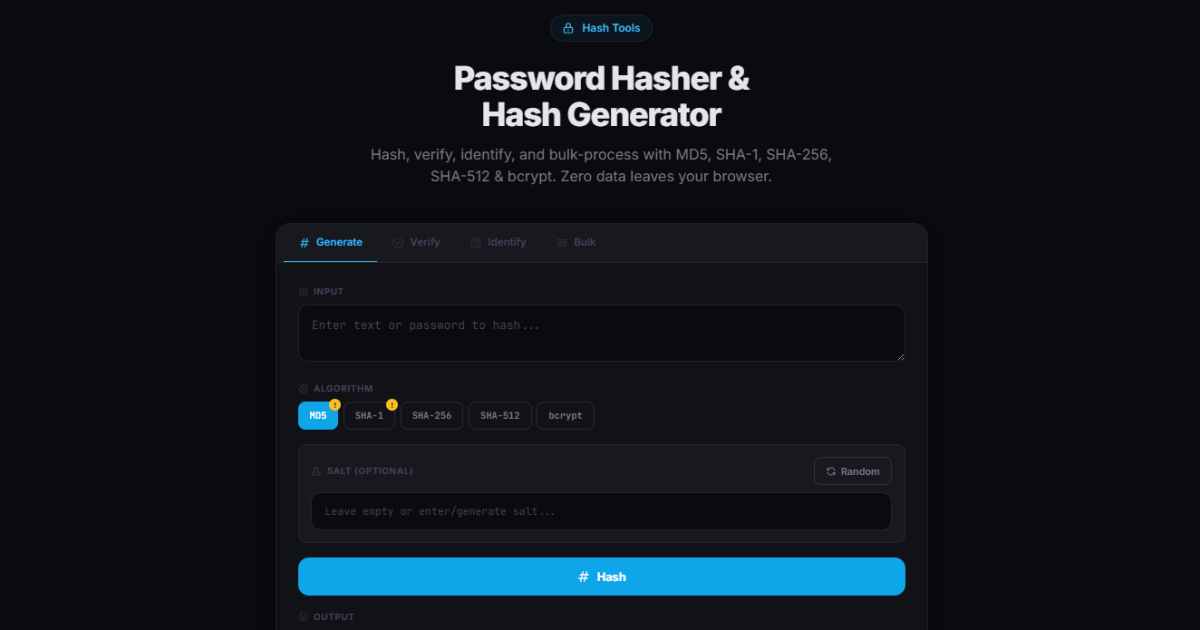
How PHP Password Hashing Works: bcrypt, password_hash, and Security Best Practices
Learn how PHP password hashing works with password_hash(), password_verify(), and bcrypt. Full working code for registration and login, entropy explained, and why MD5 will get your users hacked.
Read article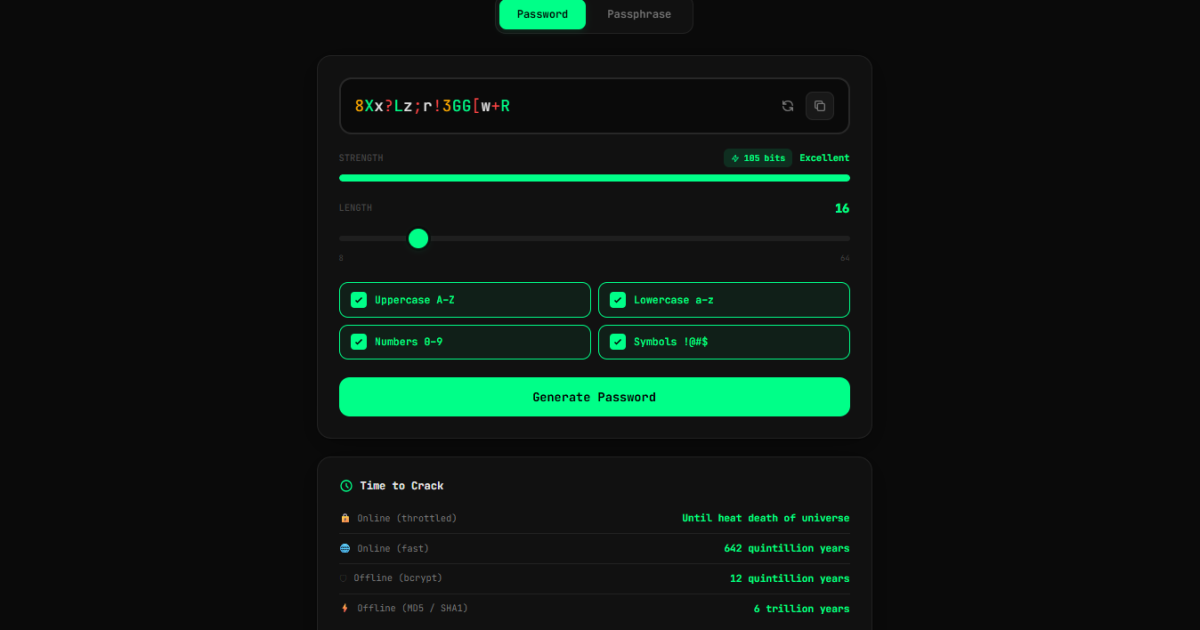
Free Password Generator & Strength Checker
Generate strong passwords and passphrases instantly with this free browser-based tool. See real-time entropy, crack time estimates for GPU attacks, and QR code transfer. No server, no logging, fully client-side.
Read article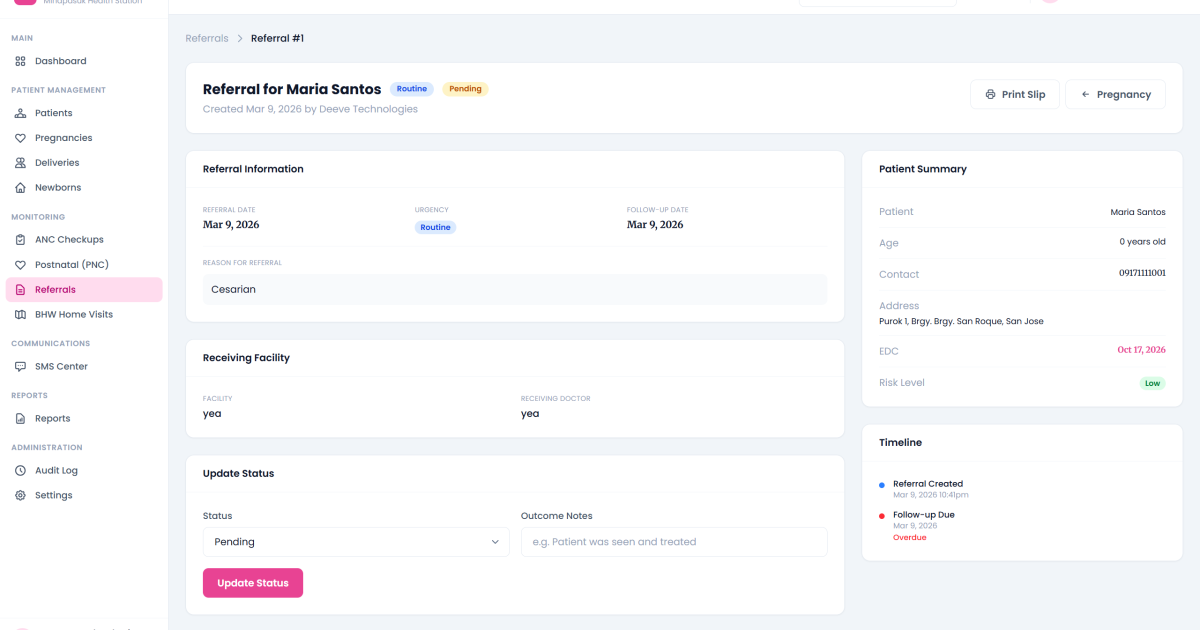
MaternaTrack: Maternal Health Monitoring System in PHP
A complete maternal health monitoring system for Philippine healthcare facilities; automated risk classification, SMS alerts, DOH-aligned reports, prenatal tracking, and multi-tenant support. Built with PHP and MySQL.
Read article
Discussion
Leave a reply